Amazon dangerous goods questions on listings: what the four categories ask
From 26 October 2026, creating or editing Amazon.com listings for fridges, shocks, markers or pool chemicals asks dangerous goods questions. What they ask.

- 11 min read
- Catalog & Brand
Fact-checked against Amazon's own pages on 25 Nov 2026
On this page
The short answer
- What changed: from 26 October 2026, creating or editing a listing in four categories on Amazon.com asks new dangerous goods (hazmat) compliance questions.
- The four categories: refrigerators, air conditioners and freezers; shock absorbers and suspension lift supports; markers and writing instruments; pool and spa water treatment products.
- When you meet them: Amazon says the questions appear the next time you create or edit a listing in those categories. Separately, Amazon says it regularly reviews products in its fulfillment centers that may be regulated as dangerous goods.
- Where answers come from: the safety data sheet, the plate on the appliance and the manufacturer's manual or spec sheet, because Amazon classifies the finished product by its physical and chemical properties.
- If it goes wrong: Amazon's help pages say incomplete, inaccurate or conflicting information may get a product blocked for sale through FBA. A wrong classification can be disputed from Manage dangerous goods classification.
Amazon's announcement on the US Seller Forums opens plainly enough: "Starting October 26, 2026, if you create new listings or edit existing listings for select categories, you'll be required to answer new compliance questions to help us identify dangerous goods, enable more ship methods, and reduce unnecessary disposal costs and fees."
Two paragraphs later it adds: "If you have existing listings in any of these categories, you don't need to take action before August 31, 2026." That date had already passed by 26 October, so the sentence after it is the one that tells you what to expect.
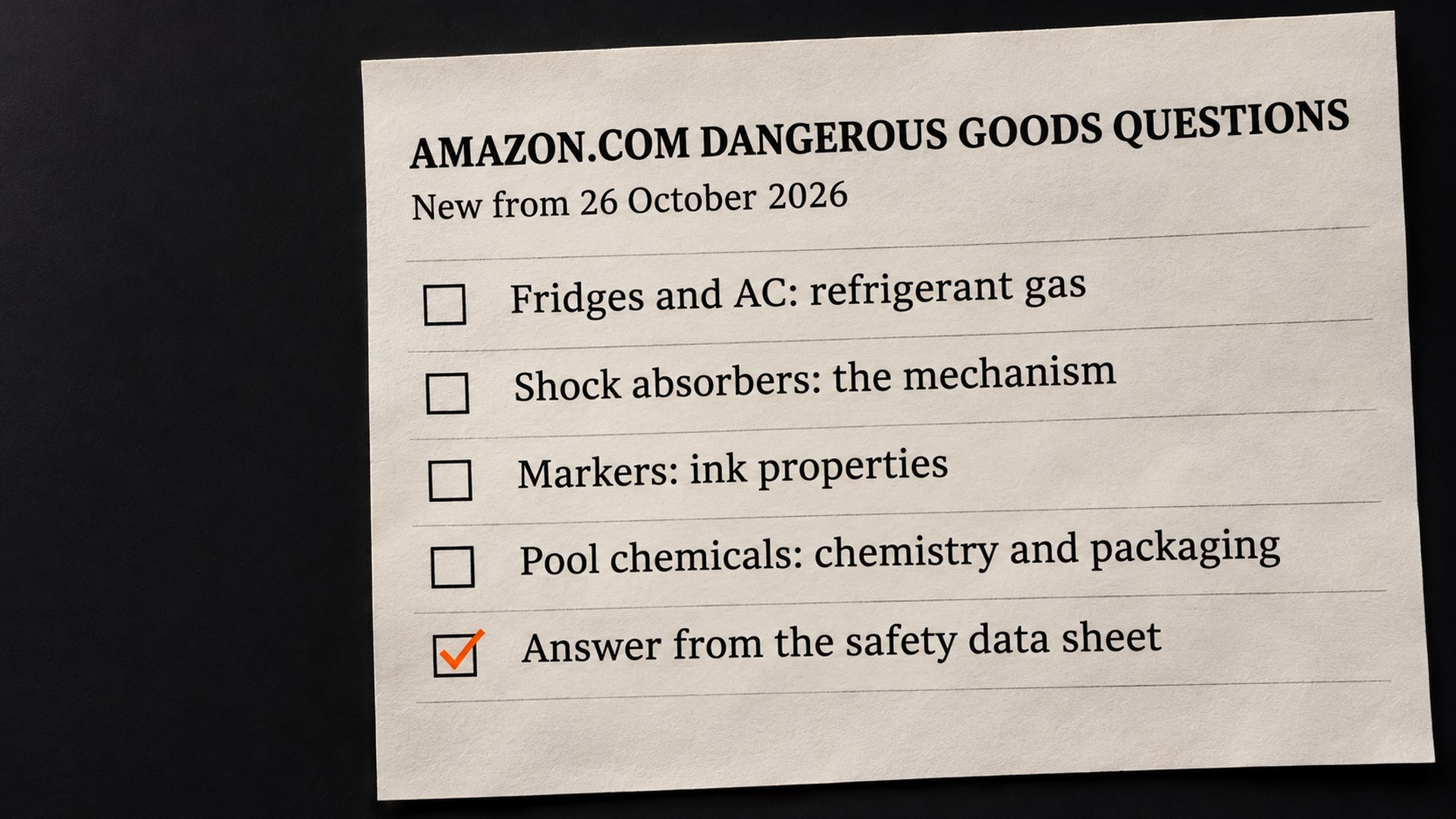
The practical reading is the next sentence in the Amazon dangerous goods questions announcement: "These required questions will appear the next time you create or edit a listing." So if you sell fridges, shock absorbers, markers or pool chemicals on Amazon.com, the next edit you make in peak season is when the questions arrive. Below is what each one asks, where the answers come from, and what to do if a listing gets classified wrongly.
Why Amazon is asking dangerous goods questions on these four categories
Amazon's dangerous goods identification guide says: "The physical and chemical properties of a unique, finished product define whether or not it's a dangerous good. That's why there is no predefined classification based on product type."
That sentence explains all four categories. A marker can be a water-based children's pen or a solvent paint marker. A shock absorber can be a plain spring or a gas-charged strut. A freezer may or may not ship with refrigerant already inside. The category tells Amazon almost nothing, so it now asks about the property that decides it.
Amazon's announcement lists what each set of questions is about:
- Refrigerators, air conditioners, freezers and similar products: to confirm refrigerant gas properties.
- Shock absorbers and suspension lift supports: questions about the shock-absorbing mechanism.
- Markers and writing instruments: questions about ink properties.
- Pool and spa water treatment products: questions about chemical composition and packaging.
Amazon gives three reasons for the change: identifying dangerous goods, enabling more ship methods, and reducing unnecessary disposal costs and fees. That last one is about your inventory. Amazon's help pages say that when a product already in a fulfillment center is identified as a possible dangerous good, you get an email and 14 business days to provide the requested documentation, and then: "If the documentation is not provided during this period, the inventory will be disposed of, at your expense."
What the Amazon dangerous goods questions ask, category by category
Amazon lists the exact fields on its dangerous goods required information and documentation page. They are short, and all but the certifications ask for a fact you can find in your supplier's paperwork.
Refrigerators, air conditioners and freezers
- Has Pre-Charged Refrigerant: yes if the product comes with refrigerant already filled and ready to use.
- Refrigerant Type and Refrigerant: the type, and the refrigerant code. Amazon notes the code can sometimes be found on a plate on the back, bottom or inside a panel of the appliance, and that manuals or spec sheets may state it.
- Refrigerant Volume and Refrigerant Mass: the total volume with its unit, and the total mass range in grams.
The plate on the appliance is the source we would trust first here, because it describes the unit as built. A catalog spec sheet from two model years ago may not.
Shock absorbers and suspension lift supports
- Shock Absorber Type: the type of shock absorbing material found on or in the product.
- Amazon DG Exception Certification: "Certify that your product meets applicable dangerous goods (hazmat) regulation exemption or exception."
Markers and writing instruments
- Ink Base: the dominant base material of the ink.
- Marker Type: the type that matches the product's intended use.
- Amazon DG Exception Certification: the same certification as for shock absorbers.
Pool and spa water treatment products
- Contains more than 80% Trichloroisocyanuric Acid: TCCA, which Amazon says also goes by Symclosene, trichlorocyanuric acid and trichloro-s-triazinetrione.
- TCCA Net Mass more than 1 kg: whether the product's net mass is over 1 kg.
- Individually Wrapped: yes if each unit is sold in its own packaging, no if the units are unwrapped.
The certification question deserves the most care. It is the one where you are signing your name to a regulatory exemption, not describing a product. If you cannot point to the document that shows the exemption applies, that is the answer to send back to your supplier first, before you tick anything.
How to know if your listings are affected
- Category: does any ASIN you sell on Amazon.com sit in one of the four categories? The product type on the listing is what to check, not your own catalog grouping.
- Planned edits: are you about to create or edit those listings? Amazon's notice says that is when the questions appear.
- Current status: what does Amazon already think? The Look up an ASIN tool shows the classification status of an FBA ASIN.
If none of your ASINs sit in the four categories, the new questions do not apply to you. If one does, they arrive with your next create or edit, so the listing to prepare is the one you are about to change in a hurry.
What to check first before you answer
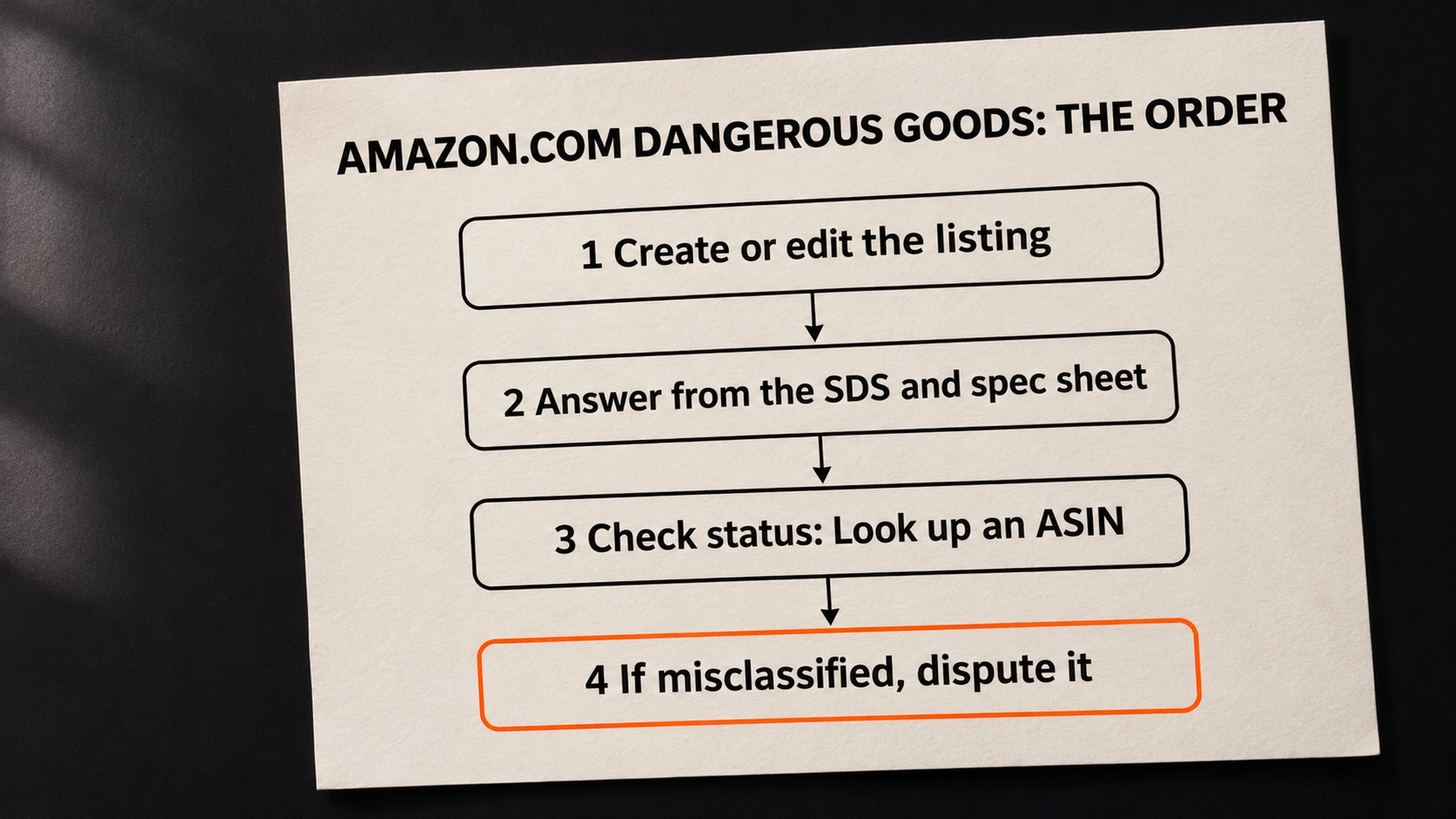
It is easier to have the paperwork in front of you before you open the listing, because every field asks for a fact that sits in a document somewhere.
- The safety data sheet: Amazon requires an SDS to be created or updated within the past five years, to include new GHS/CLP hazard identification information, to carry all 16 standard sections, and to match the listing. Its product name has to be the same as the listing title, and its manufacturer or brand name the same as on the detail page.
- The appliance plate, manual or spec sheet: for the refrigerant code, Amazon points to a plate on the back, bottom or inside a panel of the appliance, or to the manual or spec sheet.
- The supplier's formulation details: for pool chemicals, the TCCA concentration and net mass. For markers, the ink base.
- Bundles and kits: Amazon says a bundle or kit with several chemical-based products needs an SDS for each product in it.
An SDS whose product name does not match your listing title fails Amazon's own list even when every hazard section is right, so if you have changed titles recently, it is worth comparing the two before you upload anything.
Exemption sheets are narrower than many sellers assume. Amazon accepts them for two groups only, battery and battery-powered products, and products without harmful chemicals, and says: "If you submit an exemption sheet for products not in these two categories, then it will be rejected."
How a wrongly flagged listing gets fixed
Amazon's review pages are written for FBA: its dangerous goods team reviews each ASIN converted to FBA when the product is identified as a possible dangerous good. Products with complete and correct information are reviewed and classified within two business days, Monday to Friday, excluding public holidays. Rejected documents and resubmissions take another two business days each time.
Amazon also says that "Products with incomplete, inaccurate, or conflicting information may be blocked for sale through FBA." Note the "may", which also appears on the dangerous goods review process page.
If you think the classification is wrong, the review page says: "If you disagree with the results of your product review, upload a new SDS or exemption sheet that supports your claim or click Dispute classification on Manage dangerous goods classification." The order we would work in:
- Read what Amazon decided: the Look up an ASIN tool shows the classification status, so you know what you are disputing before you write anything.
- Find the mismatch: compare your answers, the SDS and the detail page. Amazon's review page says catalog information is the main way it identifies a possible dangerous good, so bullets or images that wrongly mention a chemical, a gas or a battery can contradict an accurate SDS, and an SDS that leaves out a real hazard is the bigger problem.
- Send evidence, not argument: a corrected SDS or the right exemption sheet carries the dispute. A message that only says the product is safe gives the reviewer nothing to classify from.
- Check before you ship: the identification guide warns: "If the units are sent without confirmation of the classification, they might have to be disposed of without reimbursement."
A reviewer can only classify what you send, so the document does the arguing for you.
How to stop it happening again
Amazon's review page says: "If the catalog information changes, another review may be required. The product may then be reclassified, or you may be required to submit either a safety data sheet (SDS) or an exemption sheet." So the classification is tied to what the listing says, and a change to that information can reopen it.
- Keep one document set per ASIN: the current SDS, the spec sheet and the answers you gave, in one folder, so the answers stay consistent whenever the listing is edited again.
- Tie supplier changes to listing reviews: a new ink formulation, a different refrigerant or a new pack size changes the honest answer. That is the moment to update the questions, not when Amazon asks.
- Write copy that agrees with the SDS: the listing has to describe the real product, hazards included. Where the copy and the SDS disagree, say a bullet calls a water-based marker "solvent-strength", one of them is wrong, and a reviewer has a conflict to resolve.
- Check classification before inbound shipments: especially in peak season, when a blocked ASIN costs the most.
If you also sell batteries or battery-powered products, the battery questions sit on the same help page. And if a listing was suppressed for a different catalog reason, our guide to fixing suppressed Amazon listings and catalog errors covers the wider set of causes. Our guide on submitting a compliance document that passes walks through why Amazon rejects documents, and the flat file errors guide helps if you edit these listings in bulk.
Get the dangerous goods answers right before your next edit
I understand how frustrating it is when a listing that sold fine for years stops at a form during the busiest weeks of the year. Almost every one of these questions asks for a fact, and that fact lives in your supplier's documents.
Our catalog troubleshooting service checks which of your ASINs fall into the four categories, matches each answer to the document that supports it, and handles the dispute with the right evidence if a listing has already been classified wrongly. We cannot promise how Amazon's reviewers will decide, but we can make sure they are reading the right paperwork. If you want us to look first, start with a free Amazon audit.
Which of the four categories do you sell in, and did the questions show up on your last edit?
Common questions about Amazon dangerous goods questions
Which Amazon categories have the new dangerous goods questions?
Amazon's announcement on the US Seller Forums names four: refrigerators, air conditioners, freezers and similar products; shock absorbers and suspension lift supports; markers and writing instruments; and pool and spa water treatment products. The questions apply from 26 October 2026 when you create or edit a listing in those categories.
Do I need to update my existing Amazon listings now?
Amazon says the required questions will appear the next time you create or edit a listing in those categories. Its notice also says existing listings need no action before 31 August 2026, a date that had already passed when the questions started on 26 October, so in practice your next create or edit is when you will meet them.
What happens if I answer the dangerous goods questions wrongly?
Amazon's help pages say products with incomplete, inaccurate or conflicting information may be blocked for sale through FBA, and that more information will be required. If inventory already in a fulfillment center is identified as a possible dangerous good, Amazon emails you and gives you 14 business days to provide documents; if they are not provided in that time, the inventory is disposed of at your expense.
How long does an Amazon dangerous goods review take?
Amazon says products with complete and correct information are reviewed and classified within two business days, Monday to Friday, excluding public holidays. Each resubmitted document or request for more information adds another two business days.
How do I dispute a wrong dangerous goods classification on Amazon?
Amazon's dangerous goods review process page says to upload a new safety data sheet or exemption sheet that supports your claim, or to click Dispute classification on Manage dangerous goods classification. Its required information page adds that the SDS has to match the listing, including the product name and the brand.
Sources
- New compliance questions for dangerous goods listings apply October 26, Amazon Seller Forums News and Announcements (US)sellercentral.amazon.com
- Dangerous goods (hazmat) required information and documentation, Seller Central help (US)sellercentral.amazon.com
- Dangerous goods identification guide (hazmat), Seller Central help (US)sellercentral.amazon.com
- Dangerous goods review process (hazmat), Seller Central help (US)sellercentral.amazon.com
Founder, AVA INC.
Shilpi Dudani is the founder of AVA INC. Her team manages Seller Central accounts, fixes catalog problems and optimizes listings for Amazon sellers.
Not sure whether this is your problem?
We will look at your account and tell you what is actually wrong before you spend anything.
Get your free, no-obligation audit